





A photo calendar does more than mark dates, it captures stories. Whether you're celebrating love, growth, or simple everyday moments, each month offers the chance to revisit what matters most. With the right personal touches, your calendar becomes a living memory wall, not just a way to stay organized.
Here’s how to create a photo calendar with heart – one month at a time.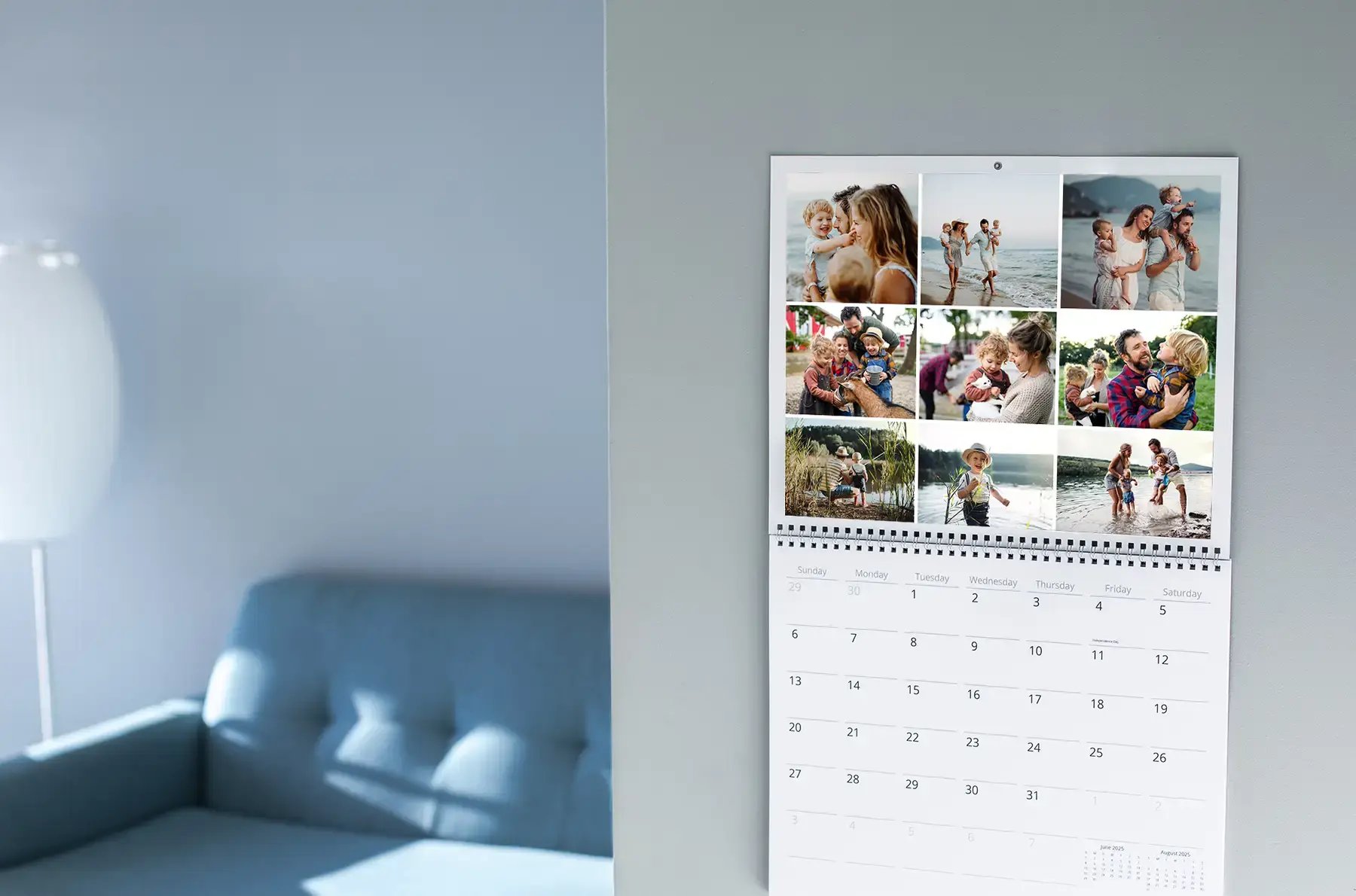
January: Your Year in Review
Start the year with a reflective collage of favorite moments from the past 12 months. Highlight family milestones, personal achievements, and spontaneous snapshots that defined your year.
Pro tip: In the Mimeo Photos designer, navigate to the Layout panel to explore the different layout options. You can add up to 30 photos on a single calendar page for our wall calendars, and up to 4 photos for our desk calendars.
February: A Celebration of Love
Feature photos of the person or people who are closest to you. Whether it’s a wedding snapshot, baby photo, or picture with a pet, let February reflect the connections that mean the most in your life.
Design idea: Explore our Design Accents to add something special to your calendar’s design.
March: Spring Awakenings
Capture nature’s rebirth with vibrant photos of budding trees, spring blooms, or a spring getaway. This month is all about renewal and fresh starts.
Inspiration: Think cherry blossoms, garden scenes, or family picnics.
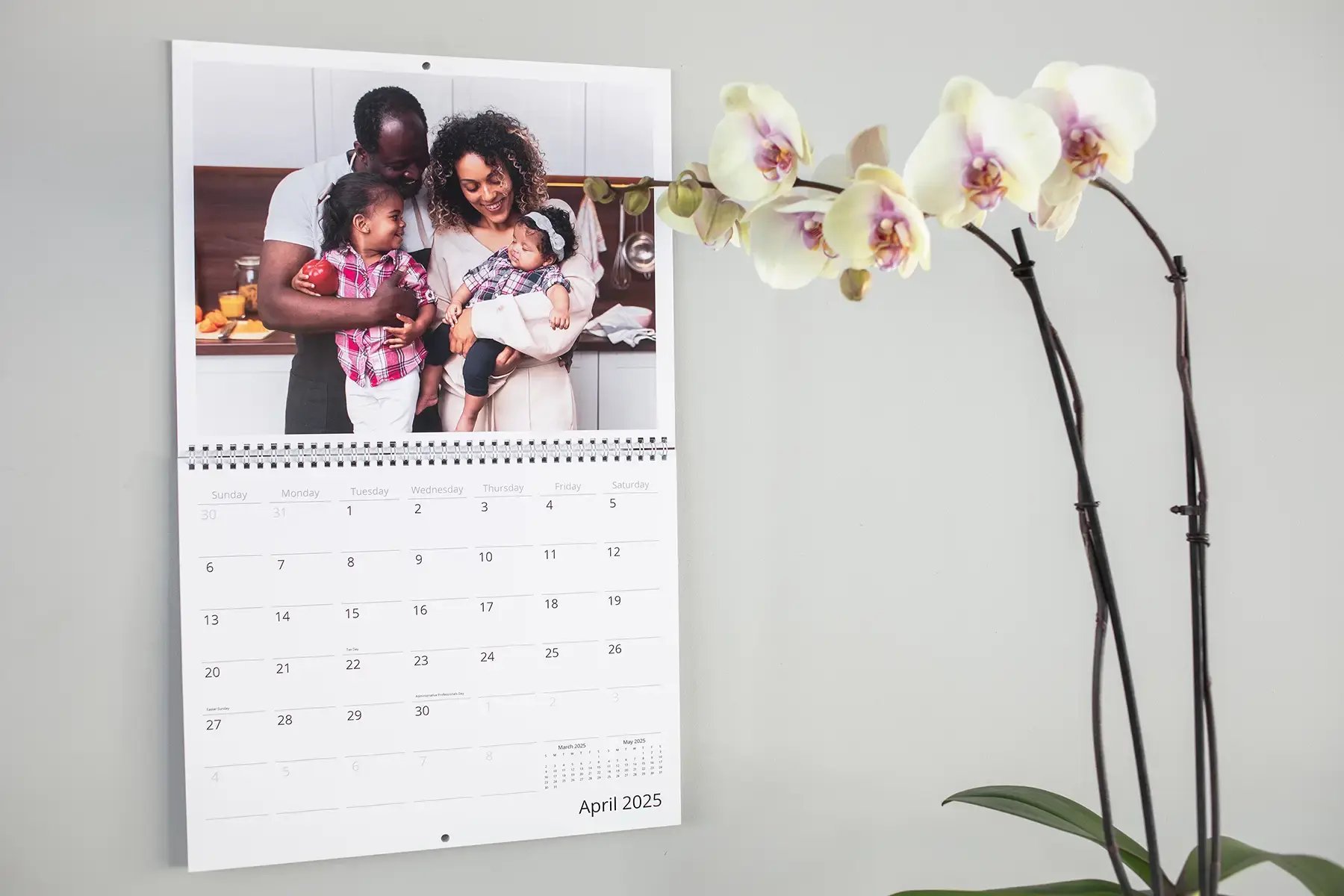
April: Creative and Colorful
Let your kids’ artwork shine or highlight joyful family celebrations. April is the perfect time to feature family creativity and color.
Idea: Scan a few favorite art pieces and add them as background images beneath family photos.

May: Celebrating Moms and Motherhood
Dedicate May to the mothers in your life. Show generations together, new moms in action, or heartfelt moments of caregiving.
Bonus: Add a short quote in the layout for a personal touch.
June: Outdoors & Adventures
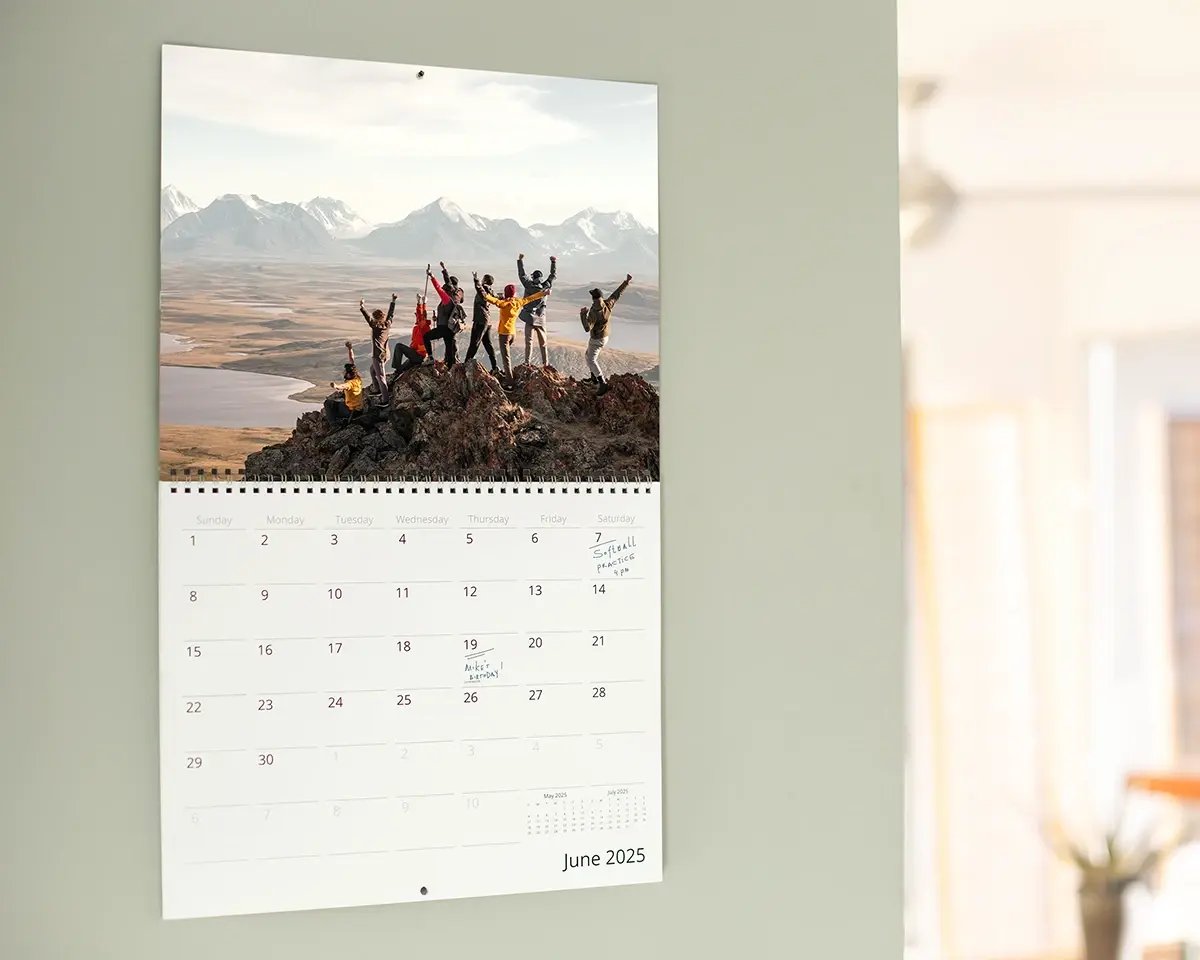
Highlight beach days, hiking trails, or your first barbecue of the season. June is about sunshine and spontaneity.
Photo tip: Use full-bleed landscape shots for immersive impact.
July: Summertime Memories
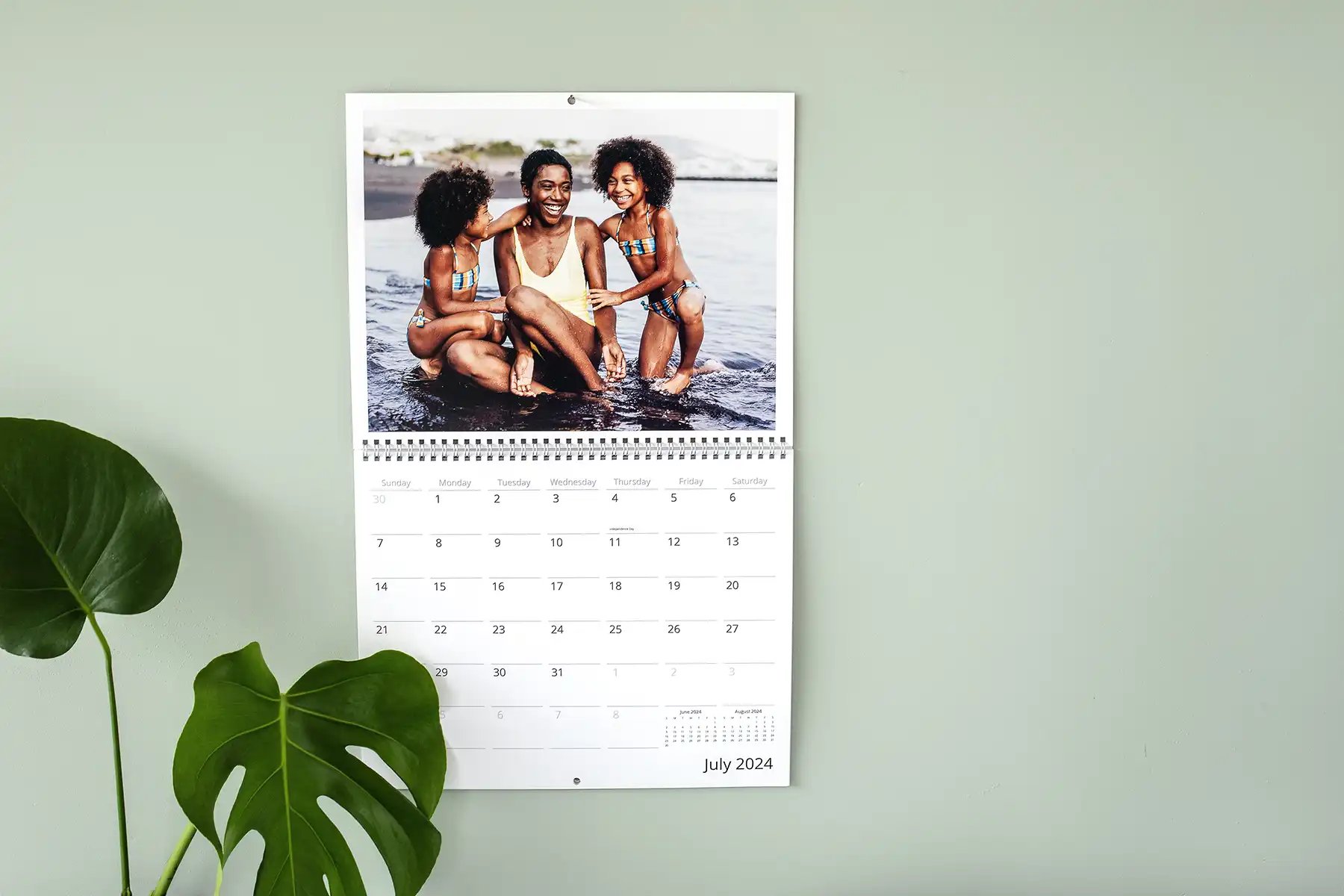
Capture scenes of summer fun – splashes, sparklers, or family reunions.
Design hint: Use bold, warm tones to evoke summer heat and celebration.
August: Back to School Memories
Document new beginnings, bus stop photos, or those last lazy summer days. Whether your kids are starting kindergarten or college, August is a turning point.
Idea: Add a "Then vs. Now" comparison of your child over the years.
September: Cozy Transitions
Showcase early autumn scenes – fall leaves, coffee shop visits, or sweater weather walks. This is the month for golden tones and peaceful vibes.
Design tip: Use a warm color palette and serif fonts for a nostalgic feel.
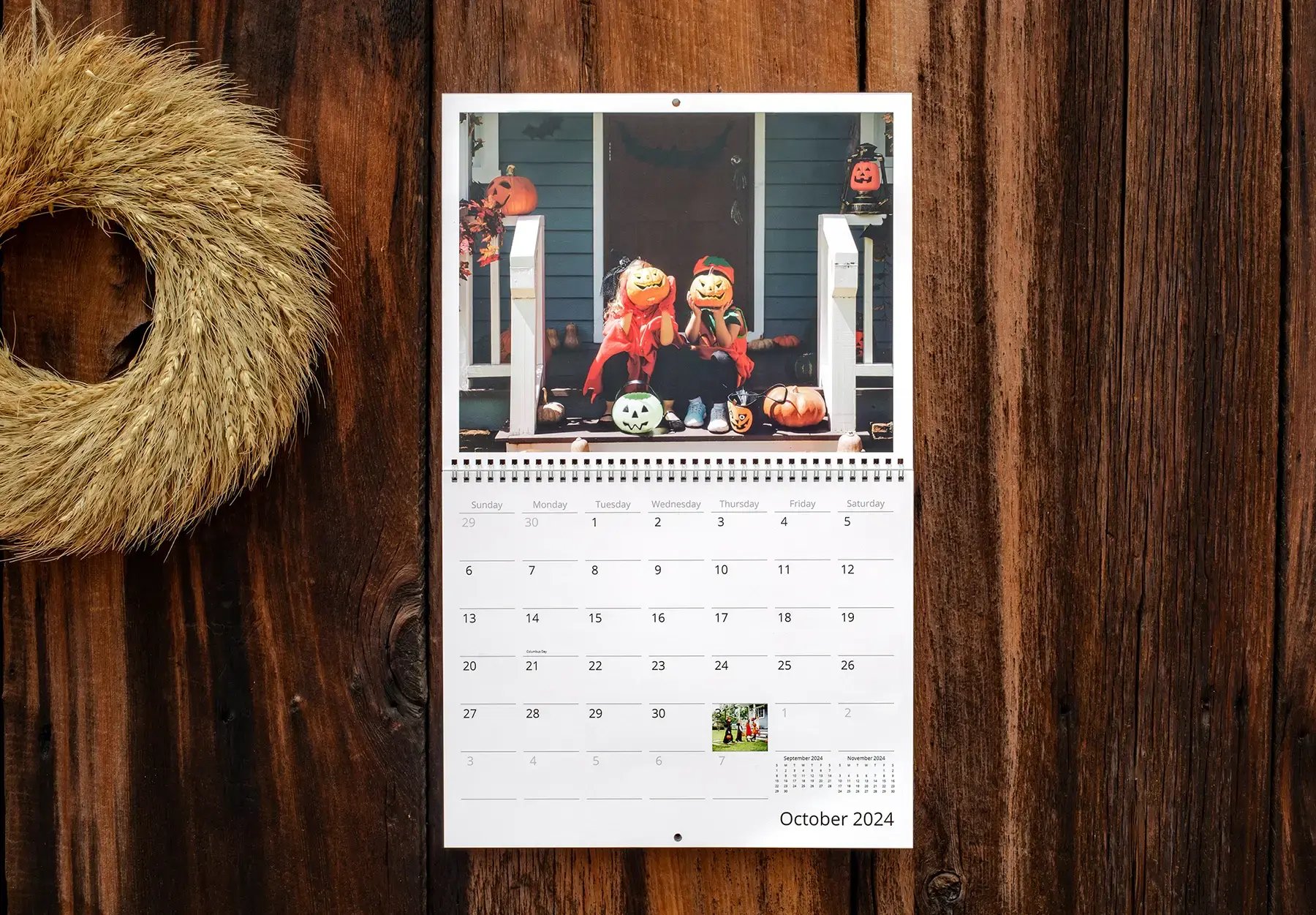
October: Costumes & Fall Fun
Feature Halloween costumes, pumpkin patches, or crisp fall hikes. October is playful and photogenic – embrace it.
Caption idea: “Too cute to spook.”
November: Family Gatherings
Highlight Thanksgiving traditions or quiet moments of gratitude. Group shots around the table or candid kitchen moments work beautifully here.
December: Holiday Highlights
End the year with magic – twinkling lights, gift openings, and festive smiles. Whether you celebrate Christmas, Hanukkah, or another tradition, December is all about joy.
Bonus tip: Use gold or silver Design Accents to elevate your layout.

Bonus Theme Ideas for Your Custom Calendar
Looking to break the traditional mold? These themes turn your calendar into a storytelling series.
“Pets of the Year” Calendar
Celebrate furry friends with a full year of their funniest, sweetest, or silliest moments.
Add-on idea: Include pet birthdays and adoption dates.
“Kids Growing Up” Time-Lapse Calendar
Show your child’s growth month by month, from baby to toddler to teen. It's a beautiful way to visualize change over time.
Design tip: Use consistent backgrounds or poses for cohesion.
“Recipe-a-Month” Family Calendar
Feature a beloved family recipe with a matching photo each month. Share stories behind each dish – Grandma’s Sunday sauce, Dad’s chili, or your famous holiday cookies.
Caption example: “Passed down three generations – best enjoyed around the table.”

Design Tips for a Beautiful, Cohesive Calendar
When your calendar flows visually, the story shines through. Keep these design principles in mind:
1 – Stick to a Color Palette
Choose complementary colors or seasonal hues for each month. This helps maintain visual harmony while honoring the mood of each season.
2 – Use Fonts with Purpose
Elegant serif fonts evoke nostalgia, while clean sans-serif fonts keep it modern. Don’t mix more than two font styles to avoid visual clutter.
3 – Keep Layouts Consistent
Whether you choose single-image pages or collages, stick to a structure. Mimeo Photos offers clean, curated layouts to help you design like a pro.

How to Make Your Photo Calendar with Mimeo Photos
Crafting your photo calendar is simple with our intuitive tools. Here's how to get started:
1 – Choose Your Platform
You can create your calendar on our Web designer, Mac App, or iOS App. Each offers powerful, easy-to-use design tools.
2 – Select Your Calendar Type
Pick from wall calendars or desktop formats – each features premium printing and high quality finishes.
3 – Upload, Arrange & Personalize
Drag and drop your photos, customize layouts, add captions, and fine-tune the look with Design Accents.
Turn Inspiration into Action
The best time to start? Right now. Whether you're gifting a loved one or creating a daily reminder of joy for yourself, a photo calendar is a timeless, practical, and personal keepsake.
Start designing today – on the Web, Mac, or iPhone/iPad.
